Virtual Rubik’s Cube
Introduction
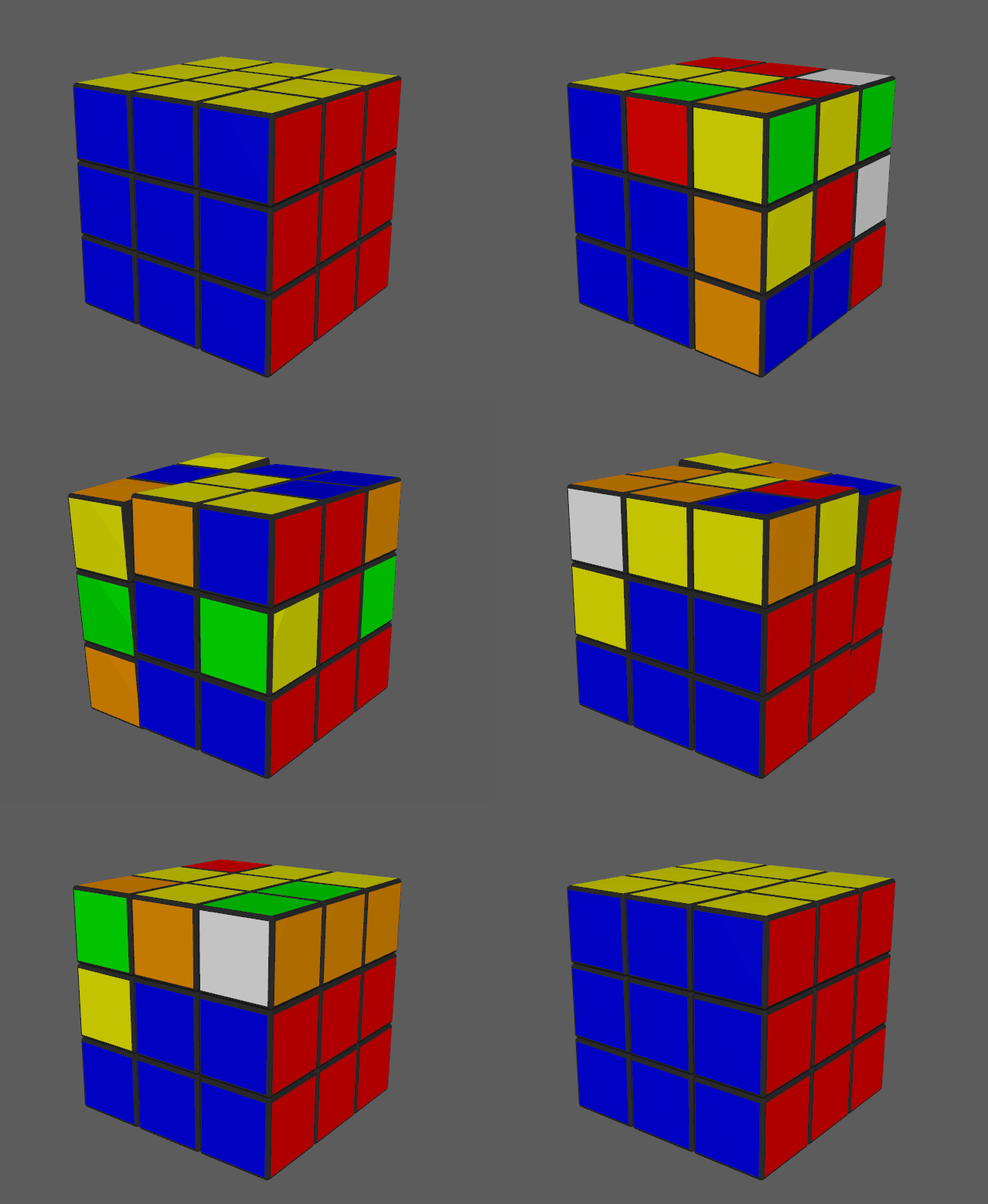
My first computer-related project - a 3D animated self-solving Rubik’s Cube made in Autodesk Maya 2016.
Motivation
As a kid, I was given a Rubik’s Cube to play with and told it was a puzzle (it’s still defined as such on e.g. Wikipedia) - I liked puzzles, so I decided to give it a try and solve it. I promptly failed and gave up. Years later, I decided to use the internet to search for the solution and learned about the standard method of solving a Rubik’s Cube which involves applying specific algorithms - pre-established sequences of moves. I felt deceived; there was no chance I could have possibly figured out these algorithms by myself. Everyone who could solve a Rubik’s Cube would just look them up and memorize them. This didn’t really match my understanding of what a puzzle is: a game that can be solved through trial and error. More years later, I had some familiarity with 3D modeling in Autodesk Maya and decided to practice animation by trying to animate a Rubik’s Cube. Due to the scriptable nature of Maya I realized I could make a dynamic animation; I figured out how to script a number of random instantanous moves to scramble the Cube and then animate them in reverse order to produce a satisfying solving animation. But it felt too much like a trick. I then realized that I could just implement the algorithms I had previously learned about - to make a Cube that could solve itself from any random starting configuration (of which there are ~519 quintillion, by the way), and definitively solve this stupid “puzzle”.
Implementation
To animate a move, the 9 sub-cubes on a respective Cube face must be grouped so they can rotate around their central axis. The script dynamically finds, groups and ungroups 8 of 20 secondary sub-cubes around 1 of 6 primary sub-cubes (which never change position). The script - written in Maya Embedded Language (MEL) - is split into 5 functions (procedures): the solve procedure is the longest and contains the algorithm implementations; the move procedure is the most important part of the script and is responsible for animating the normal moves, as well as the scramble moves which aren’t animated.
Download
The code repository (which includes installation instructions) can be found here.
Usage
In Maya’s command line, type scramble; to scramble and solve; to solve. Individual moves can also typed in or scripted into UI buttons. (ex. move("F"); for F).
0f78106 @ 2023-07-12