Beholder
Introduction
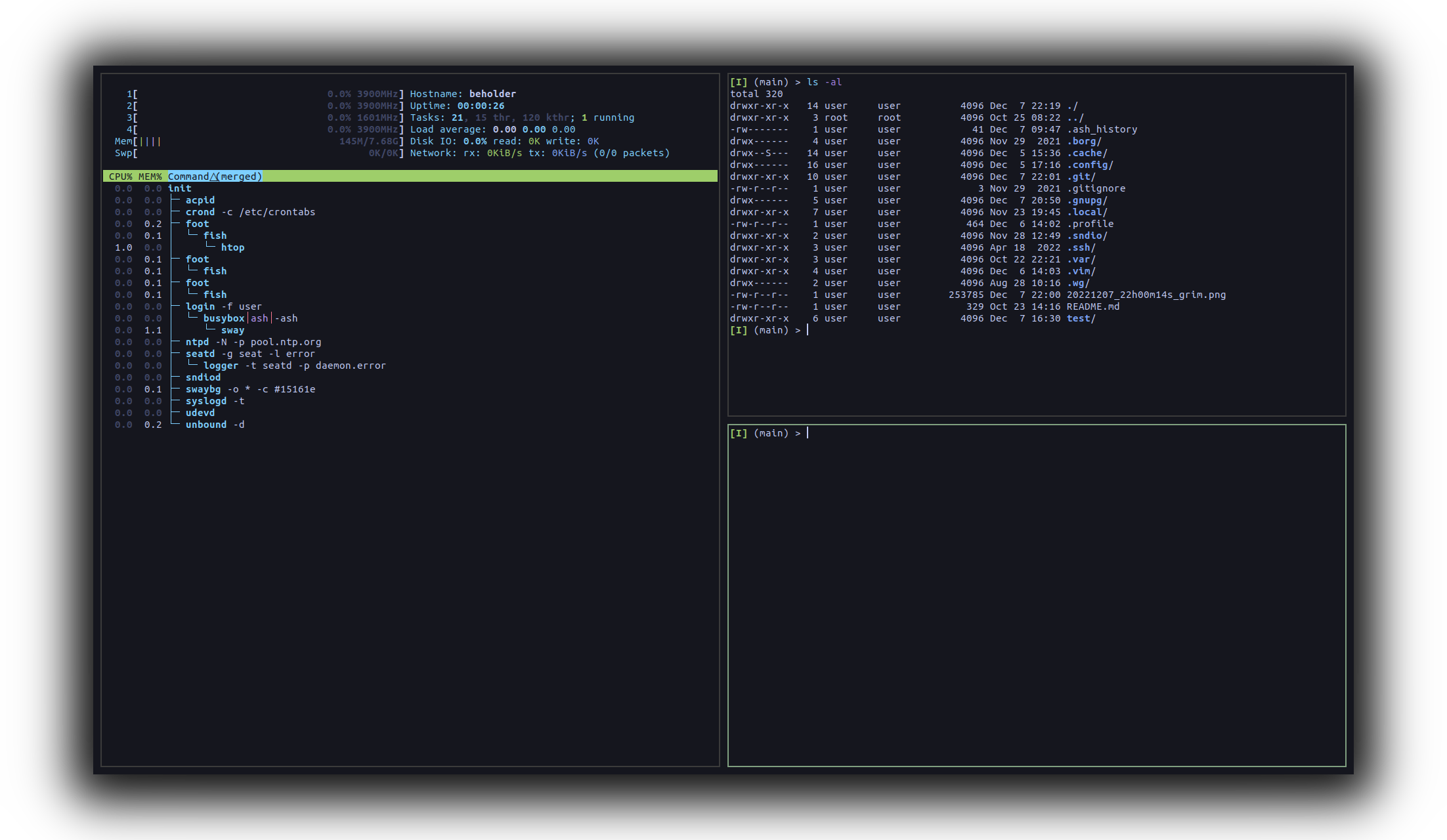
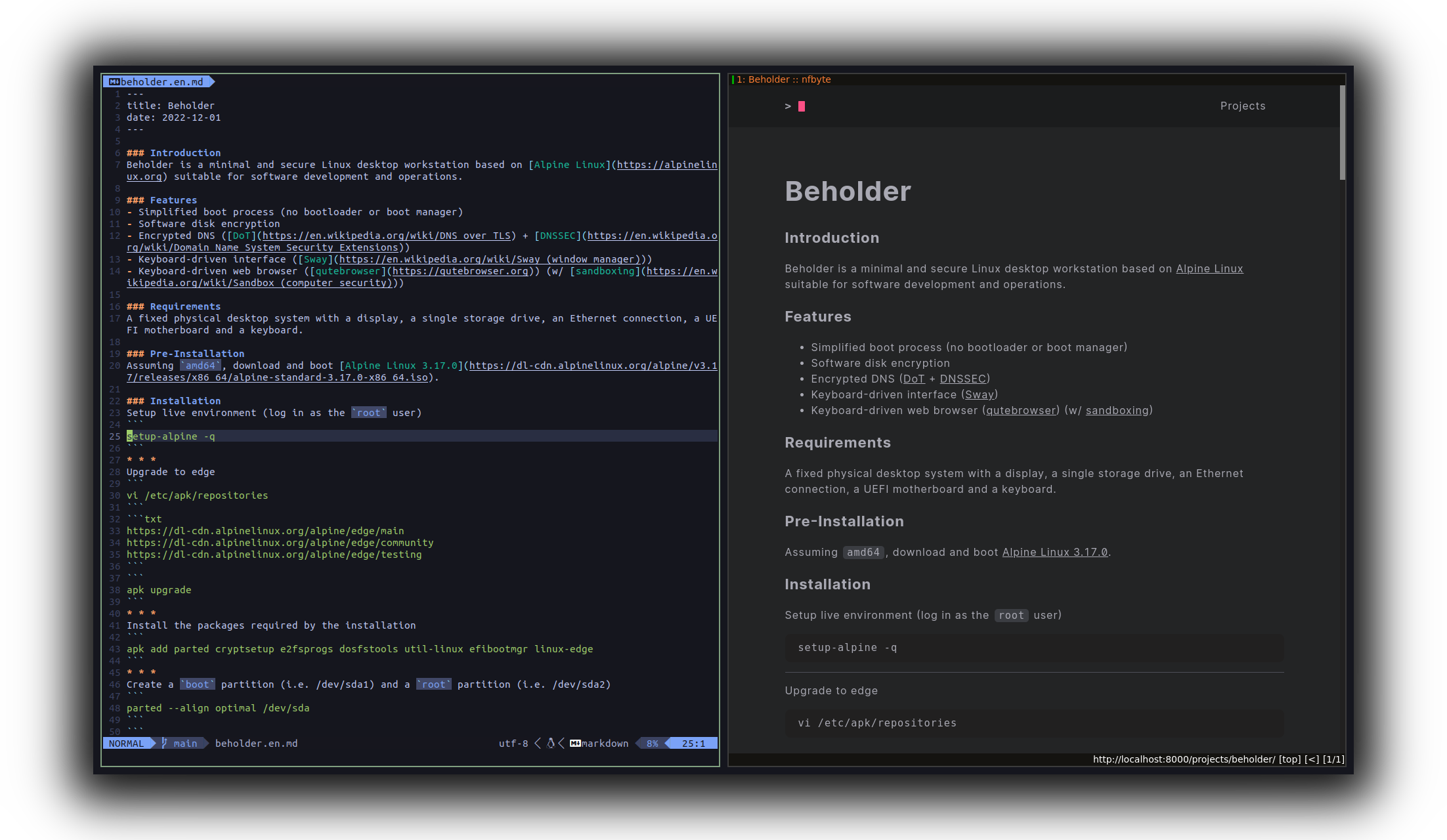
Beholder is a minimal and secure Linux desktop workstation based on Alpine Linux suitable for software development and operations.
Features
Installation
Requirements:
A physical desktop computer with an Ethernet connection, a single storage drive, a display and a keyboard.
Download and boot Alpine Linux 3.17.0 (assuming amd64).
Then, once booted:
- Setup live environment (log in as the
rootuser)
setup-alpine
poweroff
Post-Installation
- Set root password
passwd
- Add a regular user
adduser user
passwd user
addgroup user input
addgroup user video
addgroup user audio
addgroup user wheel
addgroup user kvm
apk add doas
vi /etc/doas.d/doas.conf
permit nopass user
- Set hostname
vi /etc/hostname
beholder
- Set keymap
setup-keymap
- Set timezone
setup-timezone
- Set up networking
setup-interfaces
- Setup system clock
setup-ntp
DNS
apk add ca-certificates unbound
install -d -o unbound -g unbound -m 700 /var/lib/unbound
doas -u unbound unbound-anchor -a /var/lib/unbound/root.key
vi /etc/unbound/unbound.conf
server:
  tls-upstream: yes
  tls-cert-bundle: "/etc/ssl/certs/ca-certificates.crt"
  auto-trust-anchor-file: "/var/lib/unbound/root.key"
forward-zone:
  name: "."
  forward-addr: 8.8.8.8@853#dns.google
rc-update add unbound
rc-service unbound start
vi /etc/resolv.conf
nameserver 127.0.0.1
Display
apk add mesa-dri-gallium libudev-zero seatd nerd-fonts sway foot zsh vim
setup-devd mdev
addgroup user seat
rc-update add seatd
rc-service seatd start
vi /etc/profile.d/xdg_runtime_dir.sh
if test -z "${XDG_RUNTIME_DIR}"; then
  export XDG_RUNTIME_DIR=/tmp/$(id -u)-runtime-dir
  if ! test -d "${XDG_RUNTIME_DIR}"; then
    mkdir "${XDG_RUNTIME_DIR}"
    chmod 0700 "${XDG_RUNTIME_DIR}"
  fi
fi
sway
Sound (optional)
apk add alsa-lib alsa-utils alsa-ucm-conf
Further
apk add firefox
0689467 @ 2024-08-08